How to Redeem Build a Dino Defense Codes
UI steps, typo traps, and troubleshooting when rewards do not appear.
Before you redeem anything
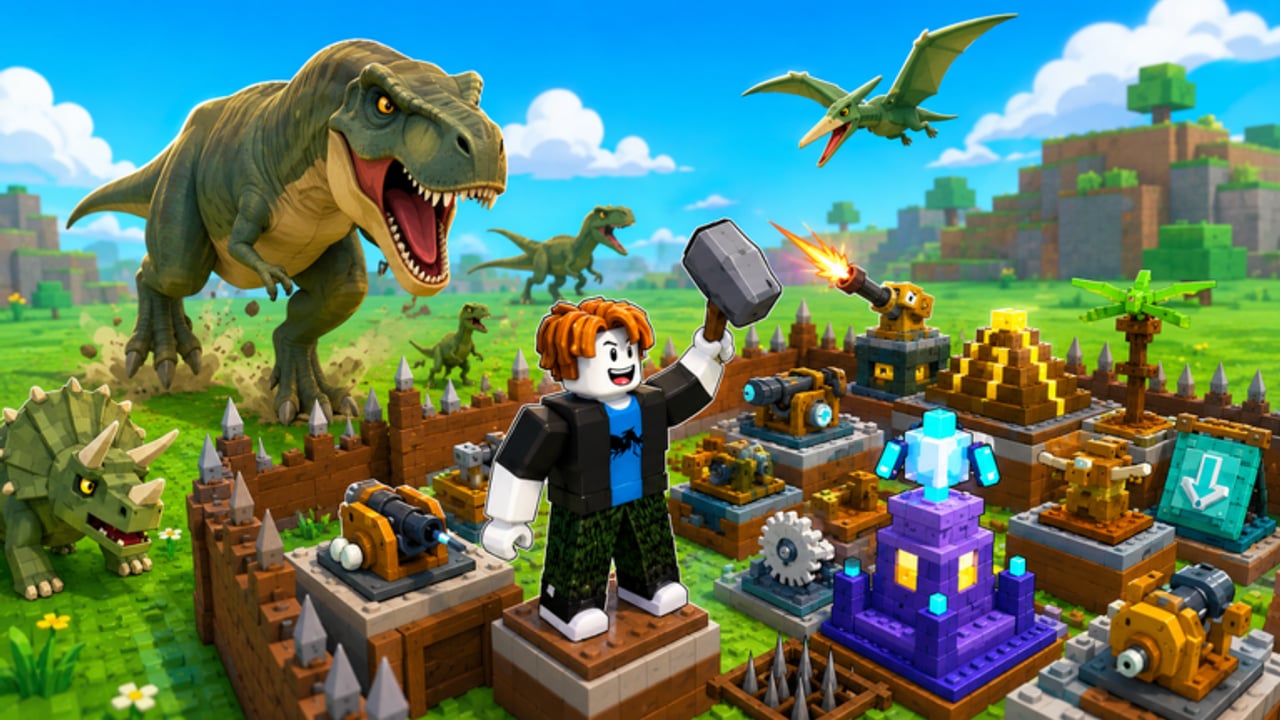
Build a Dino Defense is a Roblox strategy / tower-defense experience by Big Chomp Games. Your job is to protect your egg from waves of hungry dinosaurs by placing traps and turrets, earning cash per dino stopped, opening crates for weapons, and building a fort. Codes — when they exist — are a shortcut into that economy, not a replacement for defense skill.
As of September 2026, this wiki has no publicly verified active codes for this exact game. Still learn redemption now so you are ready the moment a group shout or update drops a string. Never import codes from Build Defense, Build a Dinosaur, or random “dino” titles.
Start from the Codes Hub for the live list status, then use this page as your redemption playbook.
Step-by-step: redeem when a Codes UI exists
Roblox creators label gift panels differently (Codes, Rewards, Mail, Shop tabs, Twitter/X icons, or gear menus). The flow below matches the pattern most egg-defense and TD experiences use:
- Launch the correct place — open Build a Dino Defense (universe id
10669713140). Servers hold about six players; wait until you fully load into your fort area. - Finish onboarding prompts — if a tutorial locks menus, complete the first place/trap instructions so the Codes control can appear.
- Find the Codes entry — check corners of the HUD, a shop button, a gift icon, or a settings/gear panel. On mobile, open the full menu rather than only the build hotbar.
- Open the text field — tap or click so the keyboard/cursor is active in the code box, not the chat box.
- Paste exactly — copy from a trusted source (group shout, this wiki’s Active table, official social). Do not retype from memory if the string mixes letters and numbers.
- Submit / Redeem — press the confirm button once. Double-tapping can look like a failure when the first press already succeeded.
- Verify the reward — watch for a success toast, then check cash, crate count, inventory weapons, or boost timers.
- Spend with intent — dump new cash into the choke covering your egg first. See How to Defend the Egg and Traps and Turrets.
If no Codes button exists in your build, the game may not have enabled promo redemption yet. That matches our empty Active list — keep playing and recheck after patches.
Exactness rules that break most redemptions
Treat every code as case-sensitive unless the creators say otherwise:
DinoGiftanddinogiftare different strings.- Trailing spaces from chat copy/paste often fail silently.
- Fancy Unicode lookalikes from stylized Discord fonts will not match ASCII codes.
- Do not add your username, extra punctuation, or “please” text in the box.
Best practice: paste into a plain notepad first, strip spaces, then paste into Roblox.
Common error messages and what they mean
| Message (typical wording) | Likely cause | What to do |
|---|---|---|
| Invalid / Incorrect code | Typo, wrong game, or fake list | Recopy; confirm it is for Build a Dino Defense |
| Expired | Promo window closed | Remove it from your personal list; wait for the next drop |
| Already redeemed | Your account used it | You cannot reclaim; check inventory once more |
| Cannot redeem now / try later | Server hitch or UI race | Rejoin, finish tutorial, try once more |
| No Codes UI | Feature not live yet | Keep watching Big Chomp group shout and update notes |
If the UI accepts the code but cash does not change, leave and rejoin the same experience. Data sometimes refreshes on session start. Also confirm you did not spend the cash instantly on an accidental placement.
Where new codes appear first
Priority order for this game:
- Big Chomp Games group shout — community id
1111294267. - Roblox game description / update changelog on the official place page.
- In-experience announcement after a major content update.
- Official Discord or social accounts linked by the creators — not random “codes daily” servers.
- This wiki’s Codes Hub after we verify the string belongs here.
Ignore DMs that ask you to hop into a different place “to claim.” Real rewards redeem inside Build a Dino Defense.
Account and platform tips
- Same Roblox account — codes bind to the account that redeems them. Switching devices is fine; switching accounts is not a second claim.
- PC vs mobile — the button may sit in different menu depths. On touch screens, zoom the UI or rotate to landscape if the Codes tab is clipped.
- VIP / private servers — redemption usually still works, but if a private server is on an older shard, rejoin a public server and retry.
- During waves — open menus between waves when possible. Fighting for the egg while typing invites mistakes; pause build mode, redeem, then return to placement.
Controls refresher: Controls.
What to do with rewards (progression-focused)
Codes shine when they accelerate the early loop:
- Cash — fund the first reliable trap line and a turret that covers the funnel toward the egg. Avoid spreading thin walls around a huge perimeter.
- Crate opens — open between waves, equip the new weapon, then resume. Details in Crates and Weapons.
- Boosts — activate when dinosaur density rises, not while you are AFK in the lobby.
Community layouts often convert code cash into decorative outer rings that dinos ignore. Keep the egg’s approach narrow. Layout ideas: Best Fort Builds.
Scam and lookalike checklist
- The experience title must read Build a Dino Defense by Big Chomp Games.
- Place URL should match the official game link above.
- Codes promising free Robux outside Roblox’s systems are scams.
- Spreadsheet links that demand a password or extension install are scams.
- “Working codes” videos for a different dinosaur builder are irrelevant here.
When unsure, wait for the group shout and cross-check this wiki’s Active table.
Practice run without a live code
Even with an empty list, rehearse the muscle memory:
- Join a public server and locate every shop/settings button once.
- Note where cash and crate counts display so you can verify rewards later.
- Plan a default spend: one choke upgrade, then weapon check — see Getting Started.
- Bookmark the Codes Hub and this redeem guide.
That five-minute prep beats scrambling mid-stampede when the first real promo lands.
Related pages
- Codes Hub — active/expired tables and verification policy
- Getting Started — first-hour fort plan
- Crates and Weapons — spending crate rewards
- Guides Hub — full strategy index
Frequently Asked Questions
Quick answers to the most common questions.
Where is the Codes button in Build a Dino Defense?
Look in the HUD corners, shop tabs, gift icons, or settings/gear menus after the tutorial unlocks. If no Codes UI exists yet, promo redemption may not be enabled in the current build.
Why does my code say invalid?
Most failures are typos, trailing spaces, wrong capitalization, or codes meant for a different Roblox game. Paste carefully and confirm the string is for Build a Dino Defense.
Can I redeem the same code on two accounts?
Usually each Roblox account redeems a code once. A second account needs its own eligible claim if the promo allows it.
The code worked but I do not see the reward.
Check cash, inventory, and crate counters, then rejoin the experience. Confirm you did not immediately spend the cash on a placement.
Should I redeem during a dinosaur wave?
Prefer the downtime between waves so you can verify rewards and spend them on egg defense without losing focus.