Build a Dino Defense Patch & Changelog Tracker
A verification workflow—not a fabricated patch history.
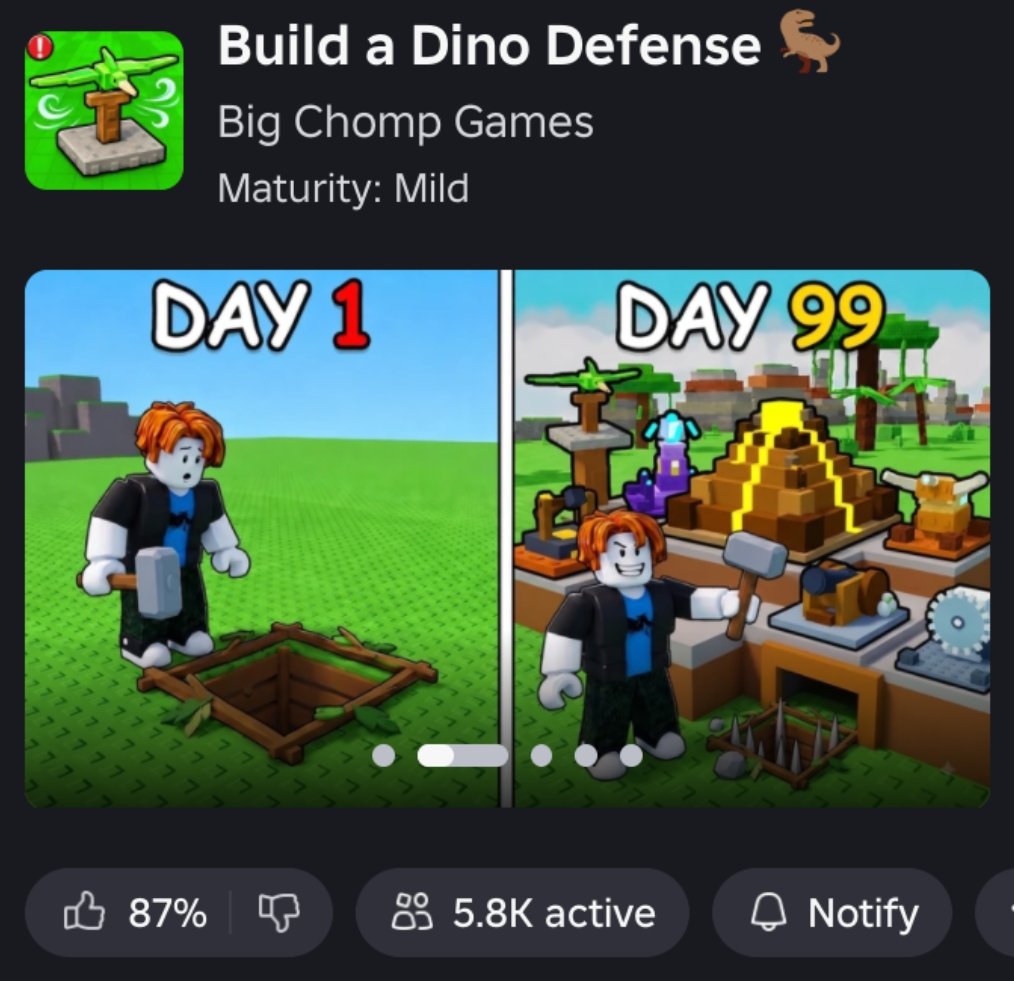
This changelog tracker teaches you how to follow Build a Dino Defense updates without relying on invented patch notes. The game released 2026-08-10 and has been updating frequently into September 2026. Parent context lives on the Updates Hub. When something changes, re-check spend logic on the Tier List Hub and rebuild with the fort checklist.
Observed pulse — 2026-09-17
As of 2026-09-17, the experience continues to show an active update pulse on Roblox. Community snapshots around that date put concurrent players near ~2.9k CCU with lifetime visits near ~3.49M — useful context that the game is live and populated, not a sealed version number. We are not inventing patch IDs, percent buffs, or fake “v1.x” rows for that day.
Community boss signal: Scytheclaw
Player footage circulating around this period documents a named community boss Scytheclaw (for example clear videos such as Geckoloverember’s upload). Treat that as appearance evidence in community footage, then verify the encounter in your own session. Prep the same way you prep Trike Titan, Gravemaw, Chompers, and Titanhorn: sealed lane, stacked DPS, cash buffer. Deep tactics: Boss Waves Guide.
Shop tabs players still report in-client: Walls, Traps, Turrets, Weapons. Lane habits: Walls and Lanes.
What we will not do here
We will not publish a fake table of “v1.2.3 — buffed Spike X by 12% on September 3” style entries unless those notes are verified. Fabricated dates and numbers spread faster than dinosaurs and waste your cash. If a section looks sparse, that is intentional honesty.
Launch systems to document (baseline)
Use this baseline when judging whether a patch actually changed something meaningful:
- Egg defense objective — failure state is losing the egg.
- Walls — pathing control and seals (see also Walls Tier List).
- Traps — path punishment and control tools.
- Turrets — automated lane damage.
- Weapons / crates — unlock route for active cleanup.
- Cash rewards — income for stopped dinos funding the next purchase.
- Fort building — placement, iteration, and geometry skill.
- Named bosses — Trike Titan, Gravemaw, Chompers, Titanhorn, plus community-documented Scytheclaw.
- Multiplayer — up to six players per server.
- Platform — Roblox experience by Big Chomp Games (see Links).
If a patch adds a system outside this list, note it as new only after you see it in-client.
How to track the Roblox update feed
- Experience page — Open Build a Dino Defense on Roblox and watch for description changes, thumbnails, and update signals.
- Group pulse — Visit the Big Chomp Games group for shout-outs and related posts.
- Official Discord / socials — join only via in-game or group buttons (Big Chomp Games group); do not trust random invite pastes.
- In-client shop pass — After joining, screenshot Walls/Traps/Turrets/Weapons costs and crate text you care about.
- Social corroboration — Creator videos can hint at changes (boss shorts, lane showcases); still verify yourself before rewriting your entire fort.
- Wiki loop — Update your habits via codes, guides, and tier lists once you confirm a change.
UniverseId 10669713140 and PlaceId 138949299666923 identify the experience if you are confirming you are on the correct place.
Personal changelog template (copy this)
Date observed:
What changed (shop / waves / crates / bosses / UI / other):
Evidence (screenshot / clip / group post):
Impact on early spend:
Impact on mid funnel:
Impact on late weapons / boss prep:
Action: rebuild checklist? retier roles?
Keep entries short. Five honest lines beat a novel of guesses.
Retest matrix after you log a change
| If this changed | Retest |
|---|---|
| Wall pieces / pathing | Walls tier list + Walls and Lanes |
| Trap costs or roles | Trap tier list early grades |
| Turret range/cost | Turret tier list overlap plan |
| Crate pool | Weapons tier list panic button |
| Boss roster / pacing | Boss Waves Guide |
| Promo rewards | Codes |
| New player flow | Getting Started |
| Lobby behavior tools | Players / server tips |
Frequent-update survival tips (Sep 2026 context)
- Expect balance and QoL tweaks without ceremonial essays.
- Do not scrap a working funnel because chat said “everything nerfed.”
- Re-earn confidence with a ten-minute lab session.
- Beware “patch scripts” sellers; Scripts still lists no verified public scripts on Scriptblox for this exact game as of September 17, 2026.
- Codes remain unverified for this title as of the same date — see Codes.
- Help neighbors with observed facts, not vibes.
Example of good versus bad notes
Bad: “September 17 mega update v2.4 buffed all turrets 50% and added rebirth.” (unsourced, invents systems)
Good: “Sep 17: Roblox page showed a fresh update pulse; ~2.9k CCU noted in community snapshots; Scytheclaw visible in creator footage — retested double-wall final approach before next boss window; still no verified codes.”
The good note is actionable even if the exact number later proves fuzzy.
Coordinating with friends
On six-player servers, assign light roles after patches:
- One player checks Walls / path seals.
- One checks trap stickers.
- One checks turret stickers.
- One checks crate text / boss HUD names.
- Compare after two waves, then rebuild using shared notes and the fort checklist.
Etiquette reminders live under Players.
Relating updates to SEO-sensitive pages
Players search “Build a Dino Defense update” wanting clarity. This page gives a method. The Updates Hub gives orientation. Together they beat a fake infinite timeline.
Closing workflow
- Notice a change.
- Log it with the template.
- Retest the matching tier or boss page.
- Redeem codes if a promo landed.
- Rebuild once with the checklist.
- Share verified notes only.
Return to the Updates Hub for orientation anytime the stampede meta shifts under your feet.
Frequently Asked Questions
Quick answers to the most common questions.
Why are there no fake dated patch notes?
Unverified version tables mislead more than they help. This page teaches a tracking workflow and documents launch systems you can re-check.
How do I know I am on the correct experience?
Use the official Roblox game link for Build a Dino Defense by Big Chomp Games (PlaceId 138949299666923 / UniverseId 10669713140).
What should I do right after spotting a patch?
Screenshot relevant shop text, run a short retest of early traps and turrets, check codes, and rebuild with the fort checklist if spend order changed.
Where do I read multiplayer notes related to updates?
See the Players Hub and Server & Plot Tips for six-player etiquette while everyone adapts to new patches.