Build a Dino Defense Controls
PC and mobile inputs for building, placing defenses, and reacting mid-wave.
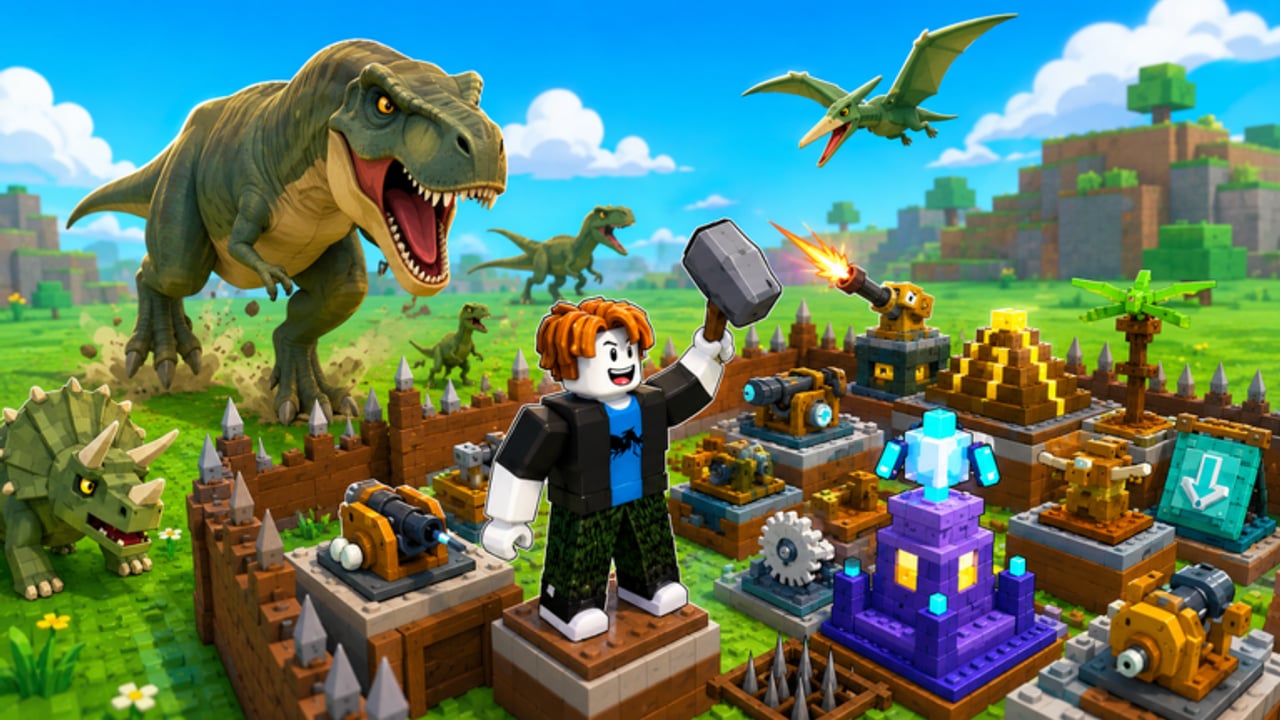
Why controls decide egg fights
Build a Dino Defense is not only a planning game. When a dinosaur leaks toward your egg, the player who can move, swap weapons, and place a seal in seconds wins. Slow menus lose runs that a correct funnel should have survived.
Roblox shares a common input language across PC, mobile, and other supported clients, while each experience layers build-specific buttons. Exact on-screen labels can shift with Big Chomp Games updates — use this page as a device playbook, then confirm icon names in your current build.
Pair with Getting Started for what to place, and How to Defend the Egg for where.
Universal habits (every device)
- Know the egg camera — practice centering the egg and the choke in one glance.
- Separate move from build — do not drift while confirming placements.
- Shop between waves — open economy UIs when packs are dead.
- Pre-select the next piece — if the hotbar allows, queue the trap or turret you plan to drop after the next payout.
- Keep weapon swap reachable — crate gear only helps if you can equip it under pressure.
PC controls (keyboard + mouse)
Typical Roblox PC defaults you will rely on:
| Action | Common input | Notes |
|---|---|---|
| Move | WASD | Strafe along the choke wall while shooting |
| Camera | Mouse | Keep the funnel mouth framed |
| Jump | Space | Rarely needed; avoid jumping into turret lines |
| Sprint | Shift (if enabled) | Use to reach leaks, not to panic-circle |
| Interact / confirm | E or left click | Depends on the active UI |
| Inventory / hotbar | Number keys / backpack | Equip weapons from crates quickly |
| Zoom | Scroll wheel | Pull back to inspect side gaps |
PC build tips
- Click placements deliberately; drag-misclicks create side gaps dinosaurs love.
- After placing a turret, orbit the camera to verify line of sight before the next wave.
- Use a higher FOV or zoomed-out camera occasionally to spot Swiss-cheese walls.
- Bind or memorize the shop button so you are not hunting icons mid-stampede.
If you use a controller on PC, mirror the mobile advice below: favor larger UI scale and confirm every placement.
Mobile controls (touch)
Mobile is fully viable — the genre is popular on touch — but fat-finger risk is real.
| Action | Typical control | Notes |
|---|---|---|
| Move | Left virtual joystick | Thumb low; keep the right thumb free for camera |
| Camera | Right-side drag | Reframe the egg after every major build |
| Jump | Jump button | Same caution as PC |
| Place / select | Tap world + confirm UI | Double-check ghost previews before confirm |
| Menus | Top or side buttons | Open shop in landscape when possible |
Mobile-specific recommendations
- Play in landscape for wider HUD and less clipped shop tabs (including future Codes UI — see How to Redeem Codes).
- Increase UI / sensitivity in Roblox settings if taps miss hotbar slots.
- Place traps in short sessions between waves rather than rapid-fire tapping during breaches.
- When rotating turrets, zoom slightly so you can see facing arrows or preview cones if shown.
- Consider a clip-on stick only if you already use one for other Roblox games — not required.
Build mode discipline
Whatever the device:
- Enter build/placement with a plan: seal, trap, or turret — not “random piece.”
- Ghost-preview the tile; ask whether a dino would step there.
- Confirm once; cancel if the ghost clips into a bad gap.
- Exit build mode before focusing on weapon aim.
Detailed placement theory sits in Traps and Turrets and Best Fort Builds.
Combat controls under leak pressure
- Swap to your strongest equipped weapon.
- Move to your practiced hold position at the choke.
- Shoot the leaker while staying on trap tiles when possible.
- Do not open crates or codes menus until the egg is safe.
- After the wave, fix the structural cause — controls buy time, layouts buy consistency.
Economy context: Crates and Weapons.
Accessibility and comfort
- Lower camera shake or motion effects in Roblox settings if they blur the egg during crowds.
- Colorblind-friendly tip: do not rely only on trap tint — remember tile positions.
- Take breaks on long public-server sessions; six-player lobbies can run loud and late.
Quick device checklist
PC
- WASD + mouse camera comfortable
- Hotbar numbers mapped in muscle memory
- Can zoom out to audit seals
- Shop opens without hunting
Mobile
- Landscape orientation
- Joystick and camera thumbs do not collide
- Placement confirm is intentional
- Weapon equip reachable with one thumb shift
Practice drills (5 minutes each)
- Seal drill — close three side gaps as fast as possible between waves.
- Turret vision drill — place a turret, orbit camera 360°, fix any blocked arc.
- Swap drill — equip a crate weapon, shoot a dummy direction, re-open build mode, place one trap.
- Leak drill — intentionally leave a tiny gap in a private test mindset on a calm wave, practice sprinting to it (then seal it for real).
Related pages
Fast fingers do not replace a funnel — but a perfect funnel still needs fast fingers when the stampede improvises.
Frequently Asked Questions
Quick answers to the most common questions.
What are the Move keys on PC?
Use WASD to move and the mouse to aim the camera. Number keys or the backpack usually handle weapon hotbar swaps.
Is mobile supported?
Yes. Build a Dino Defense plays on Roblox mobile clients. Use landscape orientation and deliberate tap confirms to avoid misplacing seals.
Should I build during a wave?
Only for emergency seals or rotations. Prefer shopping, crate opens, and major renovations between waves.
How do I check turret facing?
After placing, orbit the camera around the turret and confirm it can see the live choke. Rotate or move it if walls block the arc.
Where do I redeem codes on each device?
When a Codes UI exists, look in shop, gift, or settings menus. Mobile users should try landscape so tabs are not clipped. See How to Redeem Codes for full steps.